
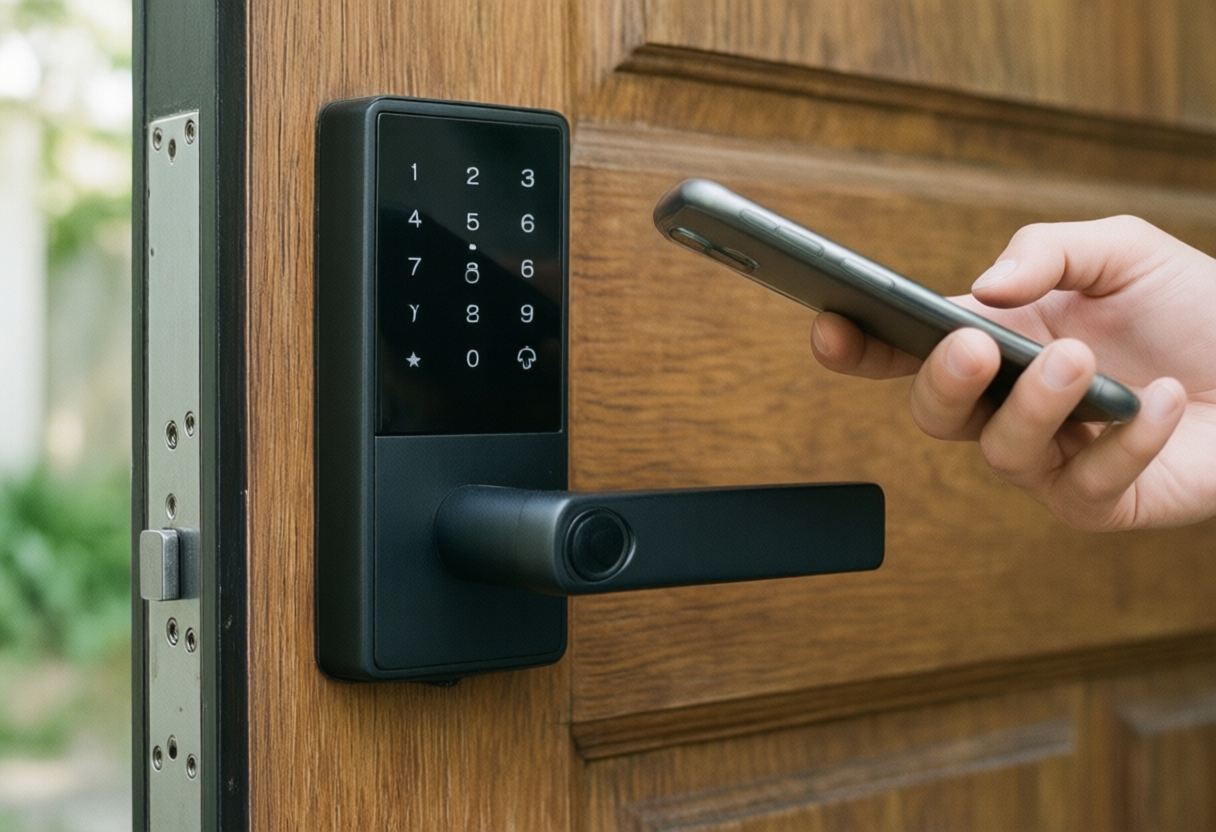
The Ultimate Guide to Smart Locks and Keyless Entry in 2026
Keys get lost, copied and handed out to people you forget about. A smart lock replaces or works alongside them, letting you unlock with a keypad code, your phone, a fingerprint or a voice assistant, and letting you give a dog walker or contractor their own code that you can delete later. Most install with a screwdriver in under an hour. Choosing one takes a little more thought, because the lock has to fit your door, your phone, your smart home system and your security needs. This guide covers each of those.
Types of Smart Locks
The most common type replaces your existing deadbolt with a new one that has a keypad, fingerprint reader or touch panel outside and a motorized thumb turn inside. Retrofit locks are the other main type. They replace only the interior part of your deadbolt, so your existing keys and outside hardware stay the same, which can help renters and anyone who likes the look of their current lock.
There are also smart handle sets and lever locks, mostly for doors without a deadbolt, and video doorbell combinations that put a camera and lock in one system. For most front doors, a smart deadbolt is the simplest place to start.
Tip: Measure your door before ordering. Check the door thickness, the backset (the distance from the door edge to the center of the hole) and the bore size against the lock’s specs.
Connectivity: Wi-Fi, Bluetooth, Z-Wave, Zigbee and Matter
Bluetooth locks talk to your phone only when you are nearby, which saves battery but means no remote access without a bridge. Wi-Fi locks connect straight to your router for remote control and alerts, usually at the cost of shorter battery life. Z-Wave and Zigbee locks need a compatible hub and suit people who already run a smart home system.
Matter, the smart home standard backed by Apple, Google, Amazon and Samsung, now covers door locks too, and many Matter locks connect over Thread, a low-power network that needs a Thread border router such as certain smart speakers or hubs. A Matter lock can work across several platforms, which helps if your household mixes iPhones and Android phones.
Tip: Check which voice assistant and app you already use, and make sure the lock supports it for unlocking, not just locking. Some platforms require a PIN before a voice command can unlock a door.
Security Ratings and Backup Access
Look for an ANSI/BHMA grade on the lock. Grade 1 is the highest rating for residential locks, Grade 2 is common for good residential models, and Grade 3 is the basic level. The grades test durability and resistance to force, which matters because a smart lock is still a physical lock first.
Every smart lock needs a plan for when things go wrong. Most run on AA batteries and warn you in the app when they run low, and many keypad models have a way to power the lock from outside, such as a USB-C port or 9-volt battery contacts. Many also keep a physical key cylinder. Decide whether you want a keyhole at all, because it adds a backup and also an extra way in.
Tip: Use a strong reinforced strike plate with longer screws that reach the door frame stud. Many forced entries break the frame rather than the lock itself.
Setup Tips and Everyday Features
Before installing, make sure the deadbolt slides smoothly into the frame without pushing or pulling the door. Motorized locks struggle when the bolt rubs, which drains batteries and can cause jams. A small adjustment to the strike plate usually fixes it.
Once installed, set up auto-lock so the door locks itself after a set time, and create separate codes for each person who needs access. Scheduled codes that work only on certain days are handy for cleaners and pet sitters. The access log shows who used which code and when.
Tip: If you rent, ask your landlord before changing locks. A retrofit lock that keeps the original outside cylinder is often the easiest model to get approved.