
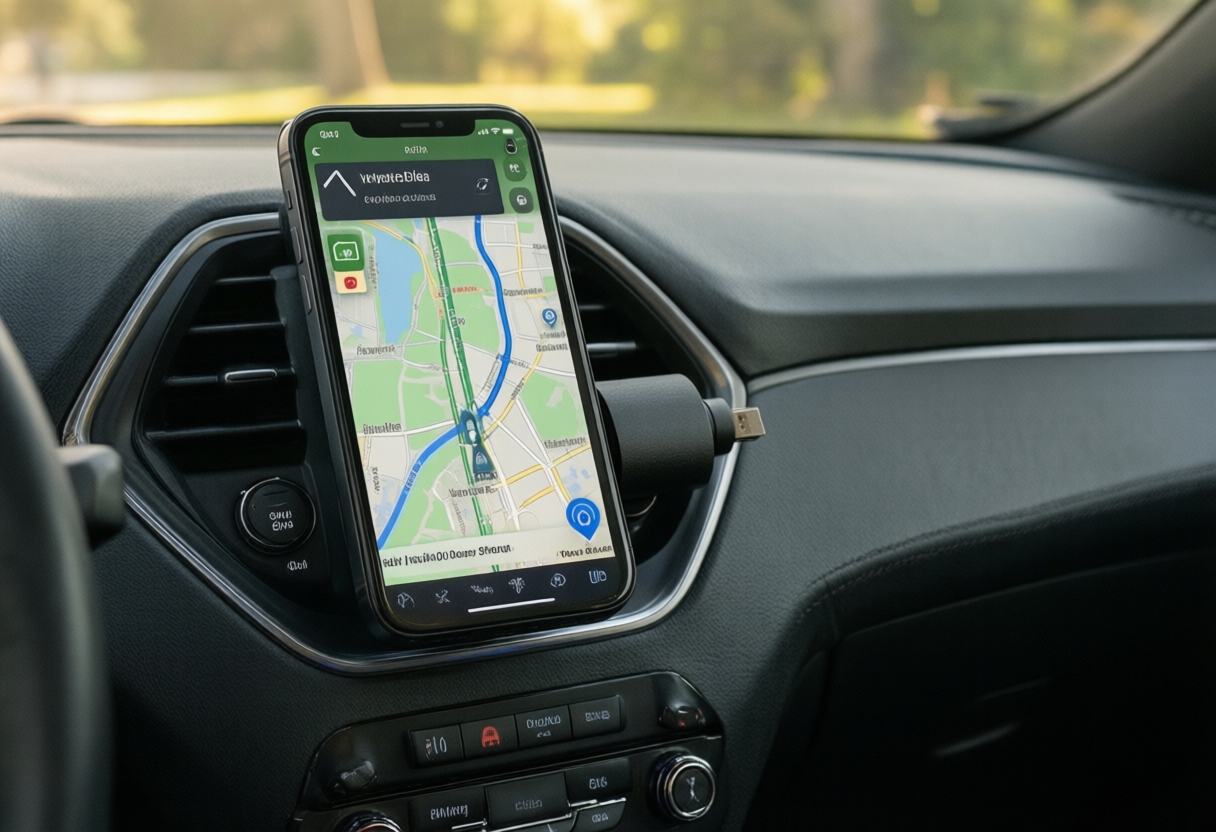
The Ultimate Guide to Wireless CarPlay and Android Auto Adapters in 2026
If your car already supports Apple CarPlay or Android Auto but only through a cable, you are one small gadget away from going wireless. A wireless adapter plugs into the car’s USB port, pretends to be your phone, and then talks to the real phone over Bluetooth and Wi-Fi. You get in, the screen lights up with your maps and music, and the phone stays in your pocket. This guide covers how the adapters work, what to check before buying one, the trade-offs nobody puts on the box, and a few other car tech upgrades that pair well with them.
How Wireless Adapters Actually Work
The adapter does not add CarPlay or Android Auto to a car that never had it. It takes the wired connection your car already offers and moves it onto a wireless link. On first setup you pair the phone with the adapter over Bluetooth, and after that the phone streams the interface to the adapter over Wi-Fi, because Bluetooth alone is too slow to carry a full screen of maps and audio.
Because the car still thinks a phone is plugged into its USB port, everything the wired version did keeps working: steering wheel buttons, the car’s microphone for voice commands, and the factory speakers. Most adapters are about the size of a matchbox and draw power from the same port.
Tip: Confirm that your car shows CarPlay or Android Auto when you plug the phone in with a cable. If it does not, an adapter will not help, and you should look at a replacement head unit instead.
What to Check Before You Buy
Compatibility is the first filter. Some adapters handle CarPlay only, some handle Android Auto only, and some do both. For wireless Android Auto, Google lists Android 11 or newer as the baseline for most phones, and the phone needs 5 GHz Wi-Fi. iPhones running a current version of iOS work with CarPlay adapters.
Next, look at the USB port. Some cars have several ports and only one carries data for CarPlay, usually marked with a phone or smartphone icon. Plug the adapter into that one. If your car uses USB-C, either buy an adapter with a USB-C plug or use a short, good quality converter.
Finally, check how the maker handles firmware. Car makers and phone makers push updates that can break things, and adapters that get regular firmware updates tend to recover from those changes faster.
Tip: Read the return policy before you open the box. Compatibility lists help, but the only real test is your own phone in your own car.
The Trade-Offs: Lag, Startup Time and Battery
Going wireless costs you a little. Expect a short wait after you start the car while the adapter boots and reconnects, often somewhere between several seconds and half a minute. Touch response and audio can lag a fraction of a second behind the wired version, which matters less for music than for phone calls.
Your phone also works harder. Streaming video over Wi-Fi while running GPS drains the battery, and a phone sitting in a hot cup holder can get warm. A wireless charging pad or a separate charging cable solves the battery part on long drives.
Tip: If the connection drops in busy areas, try setting the adapter to a different Wi-Fi channel in its settings app. Crowded parking garages and city streets can interfere with the link.
Other Car Tech Upgrades Worth a Look
If your car has no CarPlay or Android Auto at all, an aftermarket head unit is the usual route. Many fit a standard single or double DIN opening, and a shop can install one with a wiring harness that keeps your steering wheel controls. Portable screens that mount on the dash and run CarPlay or Android Auto wirelessly are a cheaper option that needs no installation.
A dash cam is another upgrade many drivers add. Front-only cameras are simple, while front and rear setups need a cable run to the back window. An OBD-II reader that pairs with your phone can show what a check engine light means before you visit a mechanic, which helps you ask better questions about the repair.
Tip: Before you add several powered gadgets, plan where each cable will run. A tidy install with clips and the right port for each device keeps wires away from the pedals and the airbag areas.